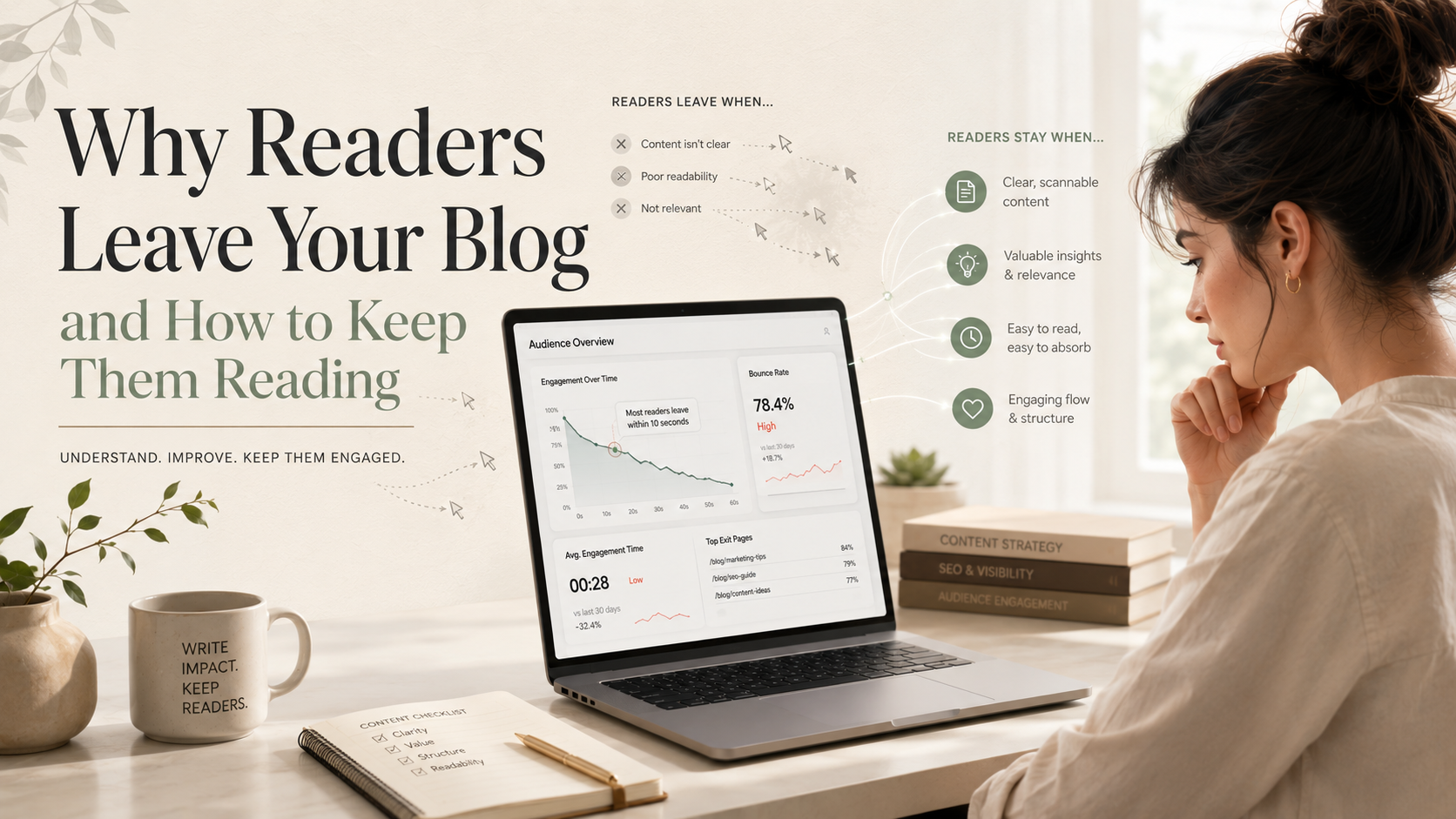
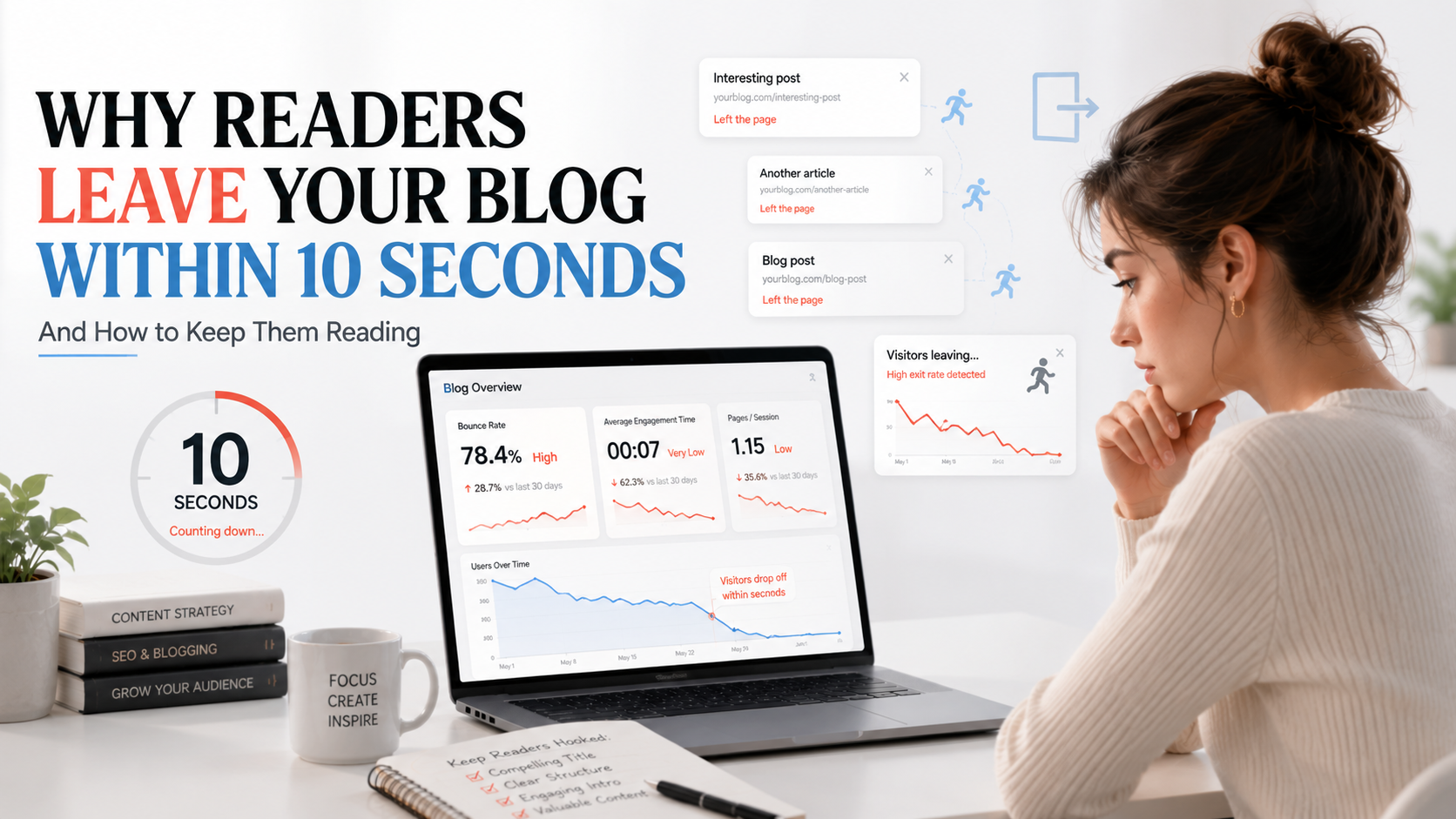
Why Readers Leave Your Blog Within 10 Seconds (And How to Keep Them Reading)
You finally get traffic.
Someone clicks your blog.
You check your analytics later... and your stomach drops.
Average time on page: 8 seconds.
Suddenly, getting more visitors isn't the biggest problem anymore. The real problem is understanding why readers leave your blog so quickly and what you can do to keep them around.
Here's what many bloggers learn the hard way: getting the click is only half the battle. What happens in the first few seconds after someone lands on your page often determines whether they become a reader or immediately hit the back button.
And the good news?
Most of the reasons readers leave are completely fixable.
Why Readers Leave Your Blog Faster Than You Think
Today's internet is noisy.
Your reader probably has multiple tabs open, unread emails waiting, and notifications constantly competing for attention.
They didn't come to your blog because they were bored. They came because they wanted an answer.
If your page doesn't quickly signal that they're in the right place, they'll leave and try another result.
This isn't impatience.
It's how people naturally process information online.
Research from Nielsen Norman Group has consistently shown that users scan webpages before deciding whether they're worth reading. Most visitors make a judgment long before they've finished your introduction.
External Resource:
https://www.nngroup.com/articles/how-users-read-on-the-web/
Think about walking into two stores.
One is clean, organized, and easy to navigate.
The other is cluttered, confusing, and difficult to browse.
You already know which one feels more trustworthy.
Your blog creates the same impression.
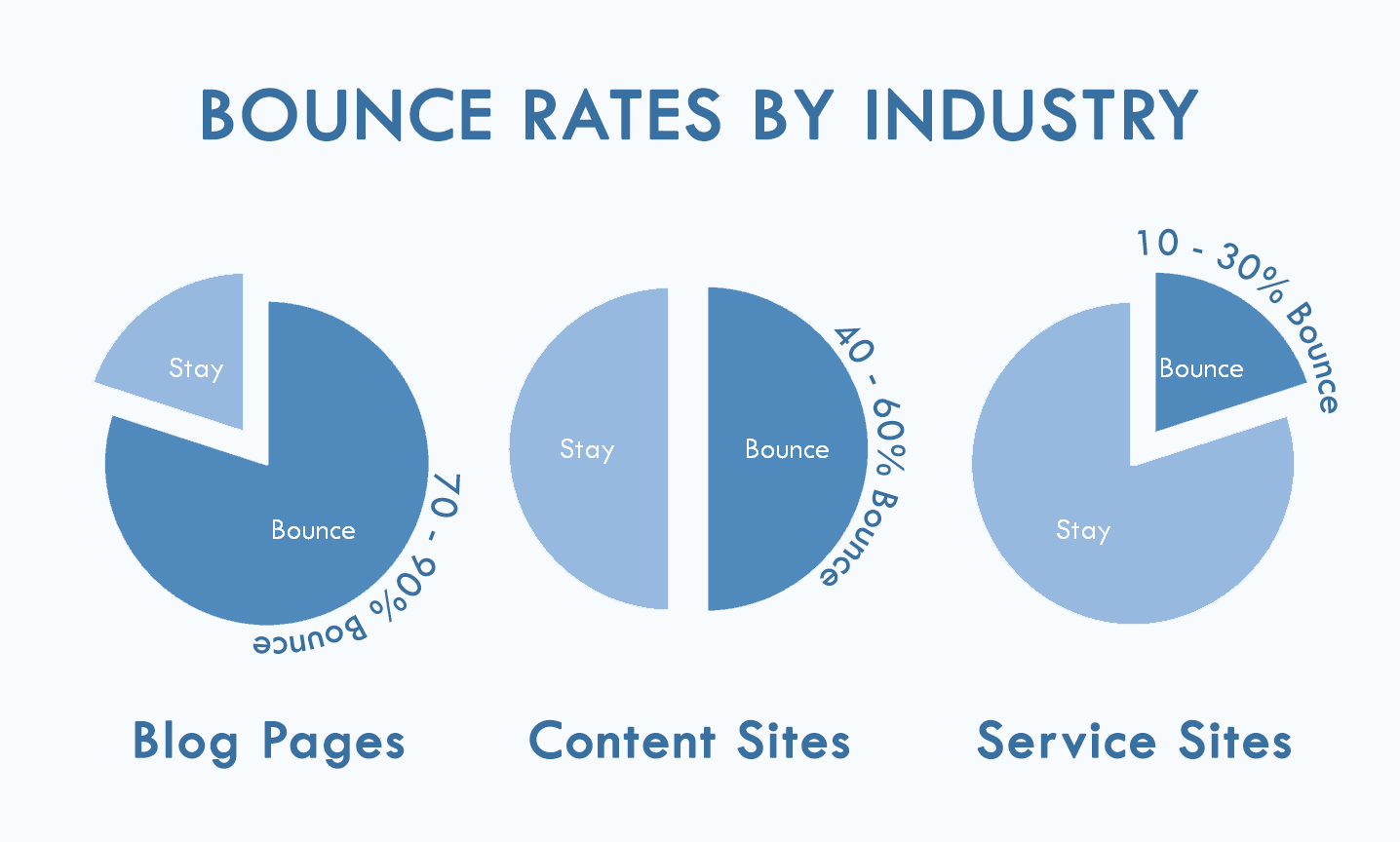
The First 10 Seconds Decide Everything
When someone lands on your page, their brain rapidly evaluates a few important questions.
Does This Look Trustworthy?
You don't need an expensive website design.
But readers do notice:
- Broken formatting
- Tiny fonts
- Spelling mistakes
- Excessive ads
- Poor mobile layouts
For example, imagine landing on a financial advice blog and spotting three grammar mistakes before finishing the first paragraph.
You immediately question the advice.
Readers react the same way on your site.
Trust isn't built only through expertise. It's built through presentation.
Can I Find My Answer Quickly?
Search intent matters.
If someone searches "how to start a bullet journal," they want instructions not a long personal story about discovering stationery five years ago.
A classic example is recipe websites.
Many readers become frustrated when they have to scroll through hundreds of words before reaching the actual recipe.
Whether fair or not, people expect answers quickly.
The faster you address their problem, the more likely they are to stay.
Is This Easy to Read?
A page packed with long paragraphs and no headings feels like work.
Psychologists often refer to this as cognitive load the mental effort required to process information.
Readers don't consciously think:
"This page has excessive cognitive load."
They simply feel overwhelmed and leave.
That's why:
- Short paragraphs
- Clear headings
- Bullet points
- Visual spacing
can dramatically improve engagement.
Most Readers Don't Actually Read First
One of the biggest blogging mistakes is assuming visitors arrive ready to read every word.
Most don't.
They scan first.
Typically, readers look at:
- The headline
- The opening lines
- Subheadings
- Images
- Formatting
before deciding whether the article deserves their attention.
Think about your own browsing habits.
When was the last time you landed on a page and immediately read every sentence from top to bottom?
You probably scanned first.
Your readers do exactly the same thing.
That's why readability isn't just about writing well.
It's about making your content look easy to consume.
The Biggest Reasons Readers Leave Immediately
Slow Introductions
Consider these two openings.
Version A
In today's digital world, blogging has become increasingly important for individuals and businesses alike...
Version B
Your blog got 500 visitors last month. More than 400 left within ten seconds. Here's whyand how to stop it.
Which one would you continue reading?
Most readers choose Version B because it immediately addresses a problem they care about.
The lesson is simple:
Get to the point as soon as possible.
Walls of Text
Even excellent information becomes difficult to consume when it's buried inside huge blocks of text.
Compare these two examples:
Example 1
A paragraph stretching ten lines without breaks.
Example 2
The same information split into smaller chunks.
Easy choice.
White space gives readers room to breathe.
And breathing room keeps people reading.
Clickbait Headlines
A headline is a promise.
When the content doesn't deliver on that promise, readers feel misled.
For example:
Title: "The Secret Strategy Google Doesn't Want You To Know"
Article: Basic SEO tips available everywhere.
Readers notice the gap immediately.
Trust disappears.
And once trust disappears, so does engagement.
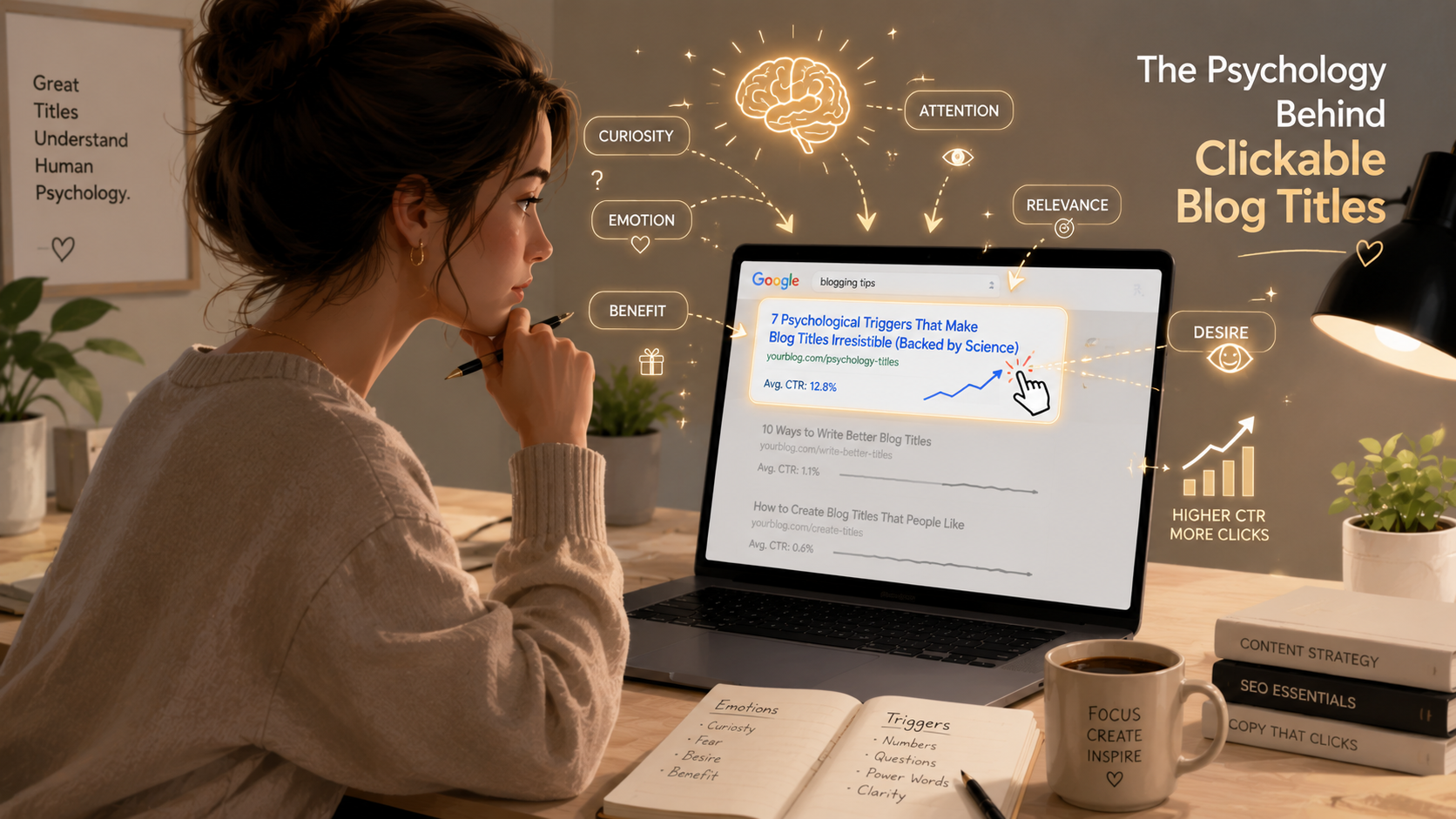
Related Reading: https://climaxcreators.com/posts/the-psychology-behind-clickable-blog-titles-in-seo
Poor Mobile Experience
More than half of internet traffic comes from mobile devices.
Yet many bloggers still review their content only on desktop.
Check your blog on a phone and ask:
- Is the text easy to read?
- Do images load properly?
- Are buttons easy to tap?
- Does anything look broken?
If the answer is no, readers won't stick around.
Too Many Ads and Popups
Imagine walking into a bookstore and being interrupted three times before reaching the first shelf.
That's how readers feel when a page immediately displays:
- Full-screen popups
- Autoplay videos
- Multiple ads
- Newsletter forms
Monetization isn't the problem.
Poor timing is.
Let readers consume some value before asking for something.
The Psychology Behind Reader Attention
Understanding attention makes improving engagement much easier.
Curiosity
People naturally want to close information gaps.
That's why headings like:
"The Biggest Mistake Most Bloggers Make"
encourage readers to continue.
They want the answer.
Cognitive Ease
The brain prefers information that's easy to process.
Simple language.
Short sentences.
Clear structure.
The easier content feels, the longer readers stay.
Pattern Interrupts
A long article with identical paragraph lengths becomes visually repetitive.
Good content introduces variety:
- Lists
- Examples
- Quotes
- Images
- Short paragraphs
These elements keep attention from fading.
Reward Prediction
Readers stay when they believe something valuable is waiting ahead.
Every section should reinforce the feeling that continuing is worth it.
How to Keep Readers on Your Blog Longer

Get to the Point Faster
A useful editing trick:
Delete your first two paragraphs.
Not permanently just as a test.
Many writers discover their real introduction starts later than they thought.
Use More Subheadings
Subheadings help readers understand your content structure instantly.
A well-structured article feels easier before anyone reads a word.
Write Shorter Paragraphs
Instead of this:
Short paragraphs improve readability because they make information easier to process and help readers navigate content more efficiently.
Try this:
Short paragraphs are easier to read.
They're easier to scan.
And people who can scan your content are more likely to keep reading.
Add Visual Breaks
Relevant visuals improve both readability and engagement.
Consider adding:
- Screenshots
- Charts
- Infographics
- Diagrams
- Illustrations
Images give readers a natural pause without leaving the page.
Create Internal Reading Paths
The best blogs feel connected.
One article naturally leads to another.
For example:
Someone reading about engagement might also want to learn about:
- Blog titles
- SEO basics
- Internal linking
- Search intent
That's where internal links become powerful.
Related Reading: https://climaxcreators.com/posts/internal-linking-in-seo-a-simple-guide-for-bloggers
Answer Questions Before They're Asked
Strong writers anticipate reader objections.
As you're writing, ask:
"What's the next question someone would naturally have?"
Then answer it immediately.
This creates momentum and keeps readers moving forward.
A Simple Real-World Example
Two blogs publish articles about improving engagement.
Blog A
- Long introduction
- No examples
- Large text blocks
- Few headings
Blog B
- Immediate hook
- Clear structure
- Practical examples
- Easy-to-scan formatting
Same topic.
Similar SEO.
Very different results.
Blog B wins because it respects the reader's time.
Signs Readers Are Leaving Too Quickly
Use Google Analytics 4 to identify engagement problems.
Look at:
- Average engagement time
- Bounce rate
- Scroll depth
- Pages per session
For example:
If visitors spend only 15 seconds on a 2,000-word article, something is preventing them from engaging.
Google Analytics Help:
https://support.google.com/analytics
The numbers won't tell you exactly why readers leave.
But they'll tell you where to investigate.
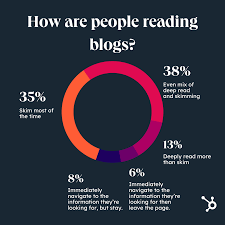
Quick Engagement Improvement Checklist
Before publishing, ask yourself:
✅ Does the introduction get to the point quickly?
✅ Are paragraphs short and easy to scan?
✅ Are there headings every few sections?
✅ Does the page include at least one relevant image?
✅ Have you added internal links?
✅ Does the article work well on mobile?
✅ Are images compressed for faster loading?
✅ Have you included real examples?
✅ Is there a logical next step for readers?
Why Readers Leave Your Blog Is Usually Fixable
Most bloggers assume they need more traffic.
Often, they need better engagement.
Readers don't usually leave because your ideas are bad.
They leave because your ideas are difficult to access.
Maybe the introduction is slow.
Maybe the formatting feels overwhelming.
Maybe the page loads poorly on mobile.
Maybe the answer is buried too deep.
Fortunately, all of these problems can be improved.
Start small.
Improve one thing this week.
Then improve another next week.
Those changes compound over time.
And often, the fastest way to grow your blog isn't getting more visitors.
It's keeping the ones you already have.
Frequently Asked Questions
Why do readers leave my blog so quickly?
The most common reasons include slow introductions, poor formatting, weak mobile experiences, excessive ads, and content that doesn't immediately match search intent.
What is a good average time on page?
For a 1,500–2,000-word article, an average engagement time of 2-4 minutes generally indicates healthy reader engagement.
Does bounce rate affect SEO?
Bounce rate itself isn't a direct ranking factor, but the user experience issues that cause high bounce rates can negatively impact overall SEO performance.
Google SEO Starter Guide:
https://developers.google.com/search/docs/fundamentals/seo-starter-guide
How can I improve blog engagement?
Focus on stronger introductions, shorter paragraphs, better formatting, internal linking, faster loading speeds, and content that directly answers reader questions.
Do images help readers stay longer?
Yes. Images improve readability, create visual breaks, and help explain concepts faster than text alone, making content easier to consume.
Related Reading
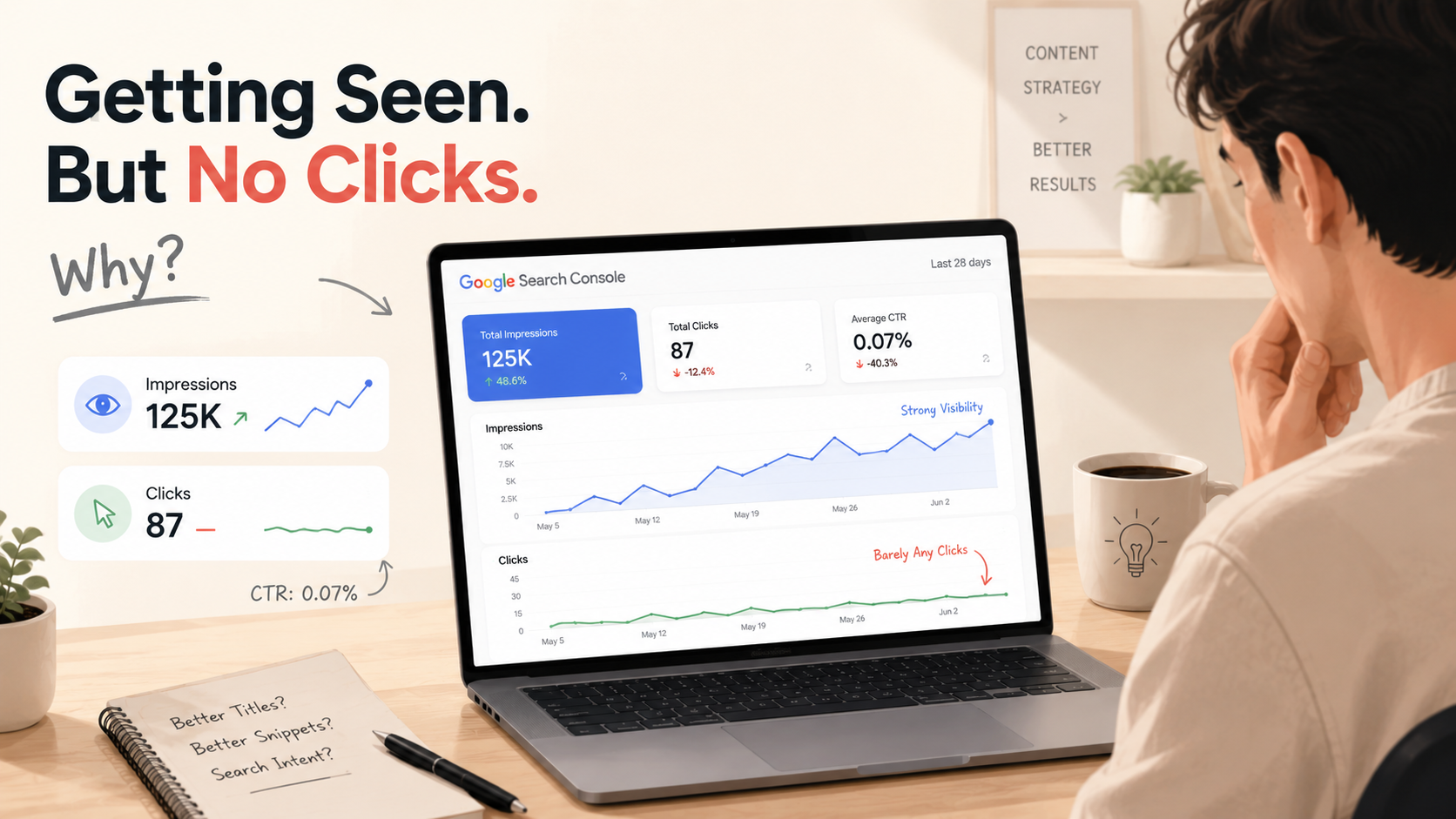
- https://climaxcreators.com/posts/why-your-blog-posts-get-impressions-but-no-clicks-in-seo
- https://climaxcreators.com/posts/the-psychology-behind-clickable-blog-titles-in-seo
- https://climaxcreators.com/posts/why-your-blog-is-not-ranking-on-google-and-how-to-fix-it
- https://climaxcreators.com/posts/on-page-seo-checklist-for-2026-optimize-before-you-publish