Why Your Blog Traffic Still Feels Stuck
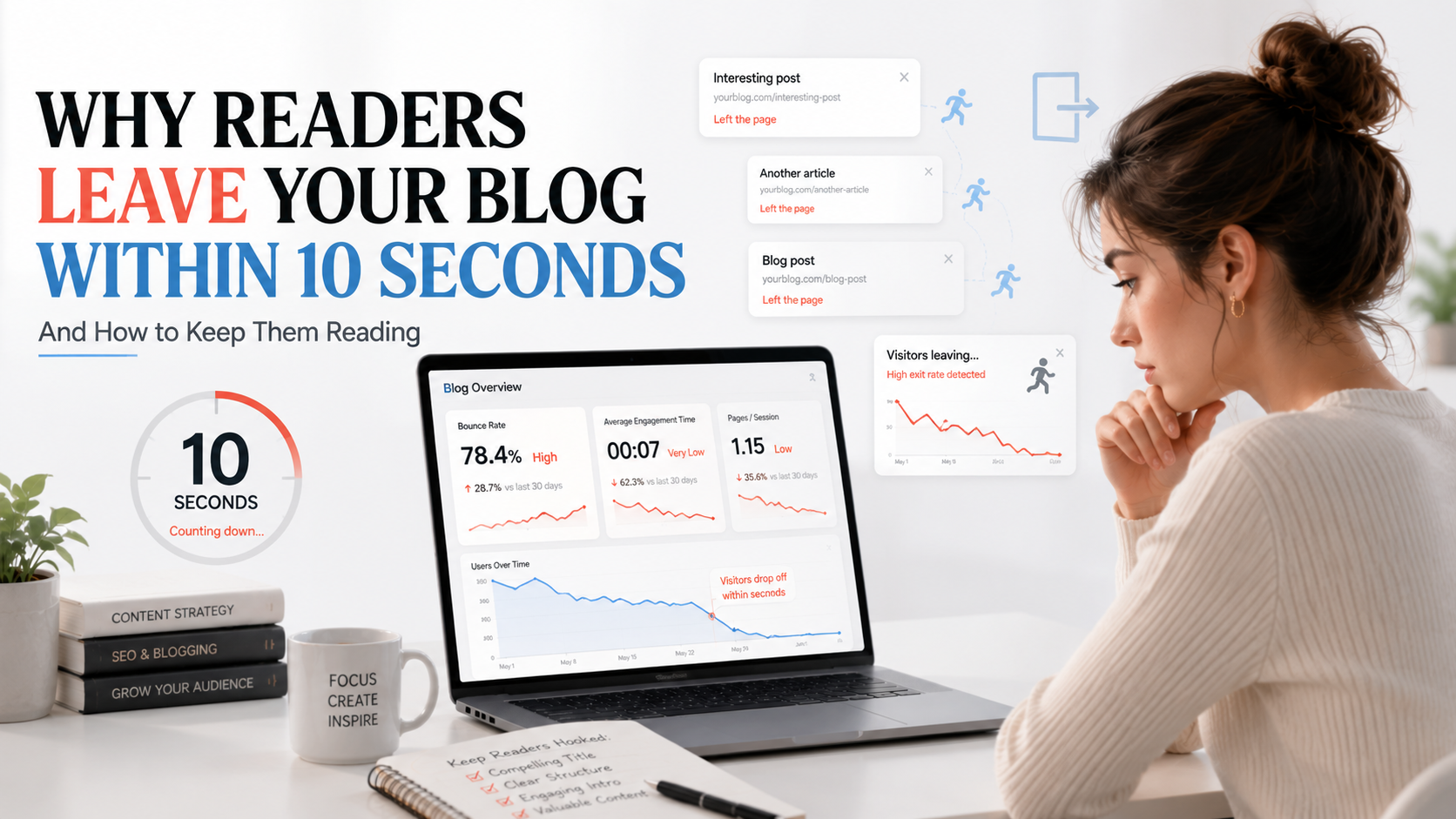
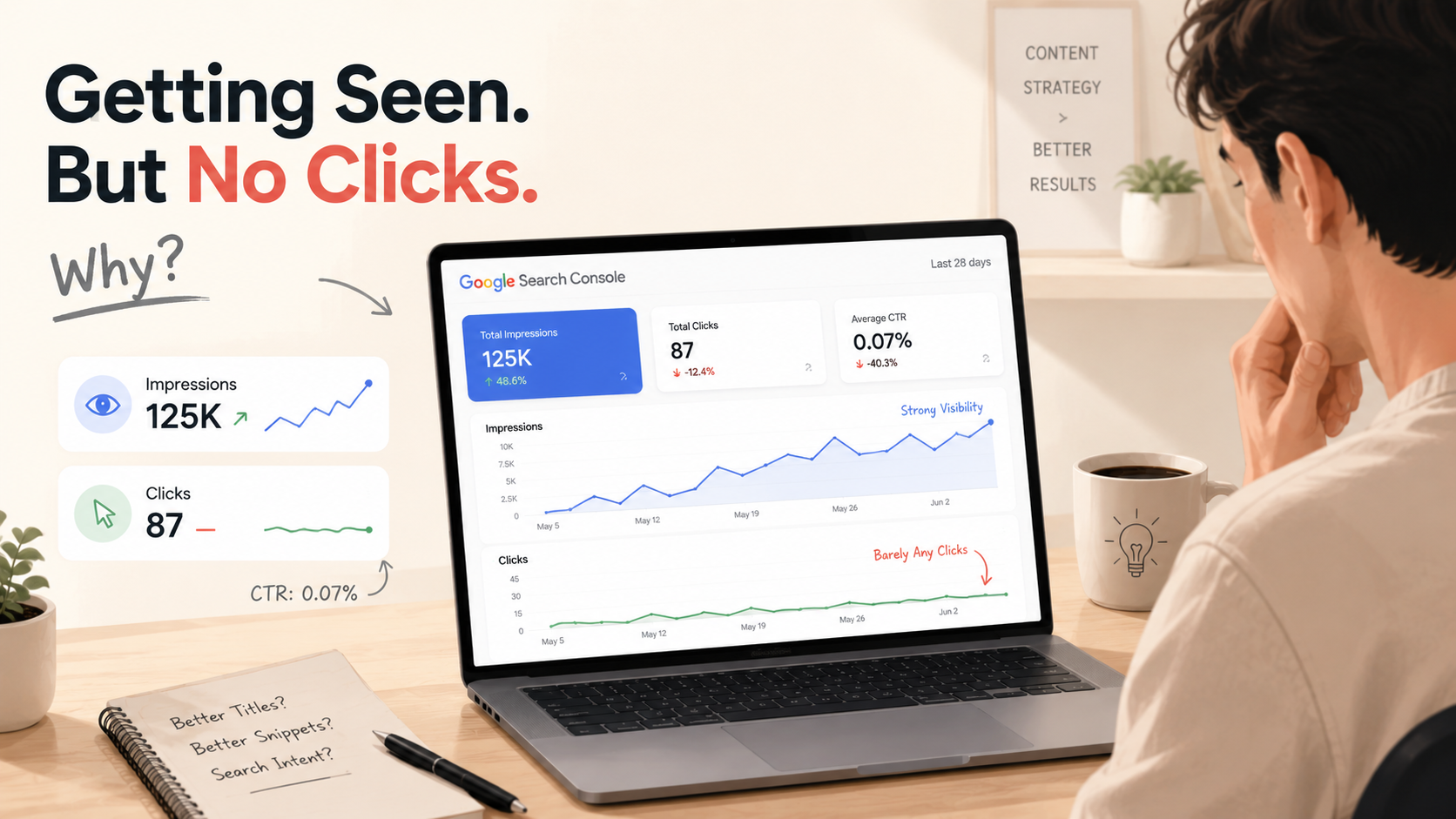
You wrote multiple blog posts. You did keyword research. You even optimized them with on-page SEO.
But your traffic still feels stuck.
Here’s what most beginners don’t realize:
your blog posts shouldn’t exist as isolated pages. They should work together.
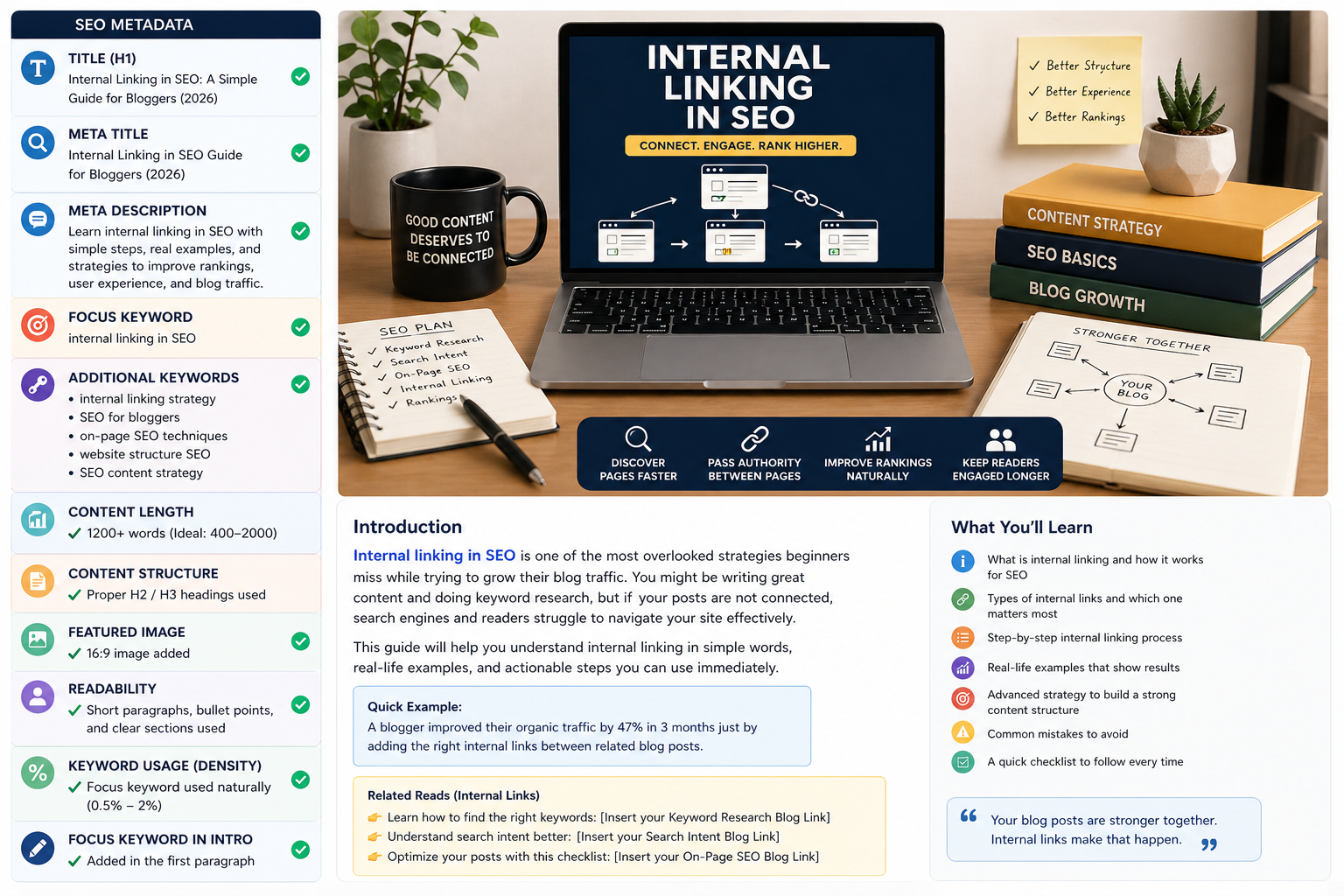
That’s where internal linking in SEO changes everything.
👉 For example:
A beginner blogger writes 5 articles but doesn’t link them. Each post gets maybe 10–20 views.
Another blogger writes the same 5 articles but links them properly.
Now readers move from one post to another → traffic multiplies.
Same content. Different results.

1. What is Internal Linking?
An internal link is simply a hyperlink that points from one page on your website to another page on the same website.
The difference?
- Internal link → keeps users on your site
- External link → sends users elsewhere
Google uses links to crawl and understand your website structure.
👉 You can learn how Google crawls pages here:
https://developers.google.com/search/docs/crawling-indexing
Think of it like this:
your blog = a city
your posts = buildings
internal links = roads
Without roads, Google can’t navigate your content.
2. Why Internal Linking Matters for SEO
Internal linking isn’t optional it’s one of the most underrated SEO techniques.
Here’s what it actually does:
🔍 Faster Page Discovery
Google crawlers follow links. More links = faster indexing.
👉 Check how indexing works:
https://developers.google.com/search/docs/fundamentals/how-search-works
📈 Improved Rankings
Pages with more internal links tend to rank better.
Real-life example:
A finance blogger had a post on “saving money tips” ranking on page 2.
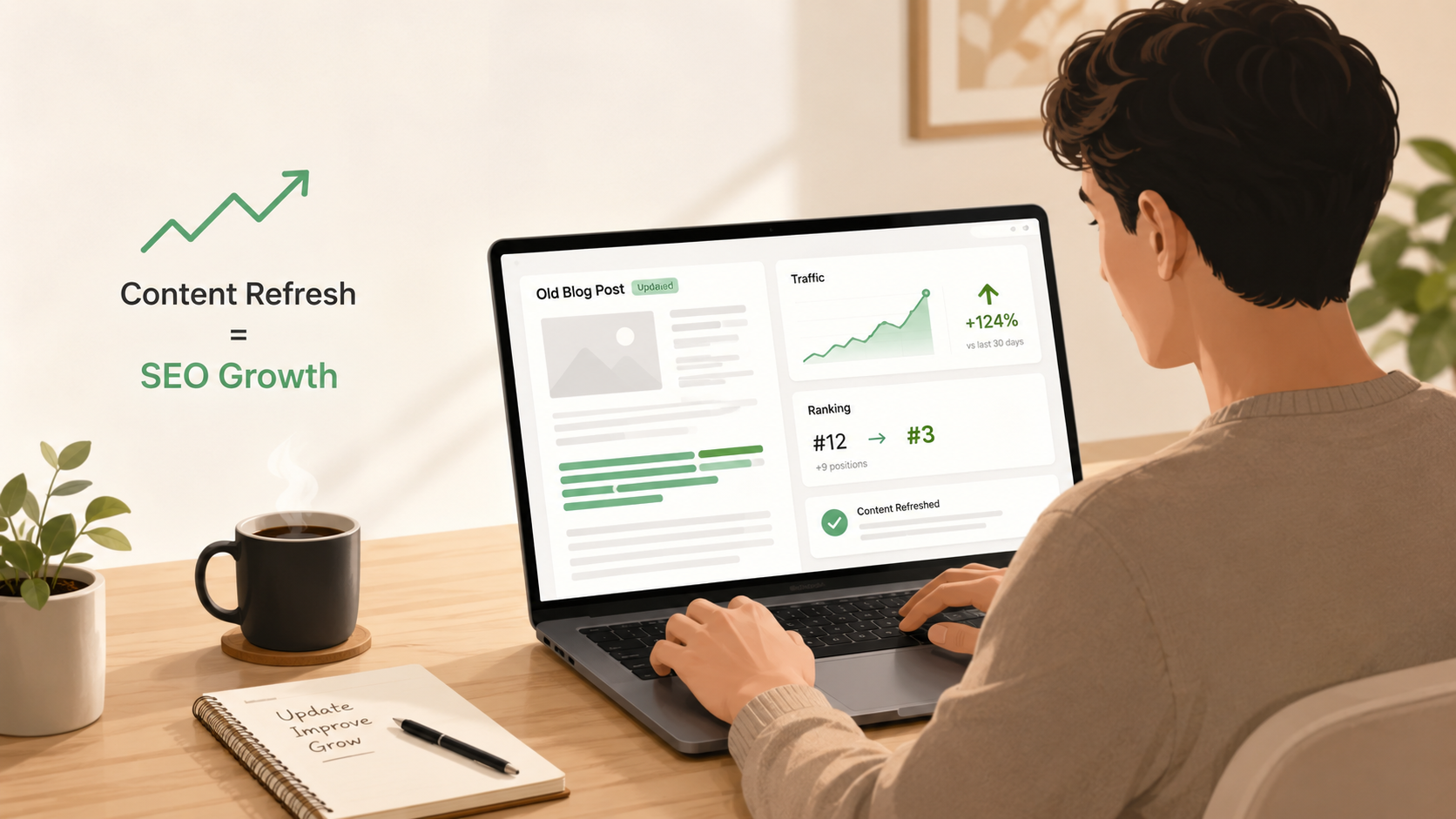
After adding 6 internal links from older articles → it moved to page 1 in 4–6 weeks.
⏱️ Higher Time on Site
Readers click related links and stay longer.
Real-life example:
A student blog increased average session time from 1 min → 3.5 mins just by adding internal links between related posts.
💪 Authority Flow
Strong pages pass SEO power to weaker pages.
👉 Example:
If your keyword research blog gets traffic, linking it to your SEO checklist helps both rank better.

3. Types of Internal Links
1. Navigational Links
Menu, homepage, footer
✔ Helps navigation
❌ Low SEO impact
2. Contextual Links (Most Important)
Links inside your content
✔ Highest SEO value
✔ Most natural
👉 This is where your focus should be.
3. Footer / Sidebar Links
✔ Good for discovery
❌ Less authority value
4. How to Do Internal Linking (Step-by-Step)
Step 1: Find Related Content
Before publishing, list 3–5 relevant posts.
👉 Example:
If you're writing about SEO, connect:
- Keyword research
- Search intent
- On-page SEO
Step 2: Use Descriptive Anchor Text
❌ Bad: Click here
✅ Good: learn keyword research for beginners
👉 Google explains anchor text importance here:
https://developers.google.com/search/docs/crawling-indexing/links-crawlable
Step 3: Link Naturally
Don’t force links. Make them part of the sentence.
👉 Example:
Instead of:
"Click here to learn SEO"
Write:
"Understanding search intent in SEO will improve your rankings."
Step 4: Use 3-8 Links Per Post
Too many links = diluted SEO value.
Step 5: Prioritize Important Pages
Link more to:
- Pillar posts
- High-performing content
5. Real Example (Using Your Own Blog)
Let’s say you already wrote:
👉 Keyword Research Blog
👉 Search Intent Blog
👉 On-Page SEO Blog
Now connect them like this:
Once you find keywords, the next step is understanding search intent in SEO.
👉 https://climaxcreators.com/posts/search-intent-in-seo-match-content-to-what-users-want
After that, use a proper on-page SEO checklist to optimize your content.
👉 https://climaxcreators.com/posts/on-page-seo-checklist-for-2026-optimize-before-you-publish
Now your blogs support each other.
👉 This creates a content network, not isolated posts.

6. Common Internal Linking Mistakes
Avoid these:
❌ Too many links
❌ Generic anchor text
❌ Irrelevant linking
❌ Ignoring old posts
❌ Broken links
👉 You can audit links using:
https://search.google.com/search-console/about
7. Pro Strategy: Pillar + Cluster Model
This is how advanced SEO works.
Example structure:
Pillar Page:
Ultimate SEO Guide
Supporting Posts:
- Keyword Research
- Search Intent
- On-Page SEO
- Internal Linking
👉 Each blog links to each other.
Real-life example:
Many blogs using this model saw 2x–5x traffic growth within a few months because Google understands topic authority better.
8. Quick Internal Linking Checklist
Before publishing:
✔ Add 3–5 internal links
✔ Use keyword-based anchor text
✔ Link only relevant content
✔ Update old posts
✔ Fix broken links
✔ Link to pillar pages
Final Thoughts
SEO is not just about writing content.
It’s about connecting it.
The more your posts support each other,
the stronger your entire blog becomes.
👉 For users
👉 And for Google

Frequently Asked Questions
What is internal linking in SEO?
Internal linking connects pages within your website to improve navigation and SEO.
How many internal links should I use?
3–8 per post is ideal.
Does internal linking improve rankings?
Yes. It helps distribute authority and improves visibility.
Can too many links hurt SEO?
Yes. Over-linking reduces impact and harms readability.