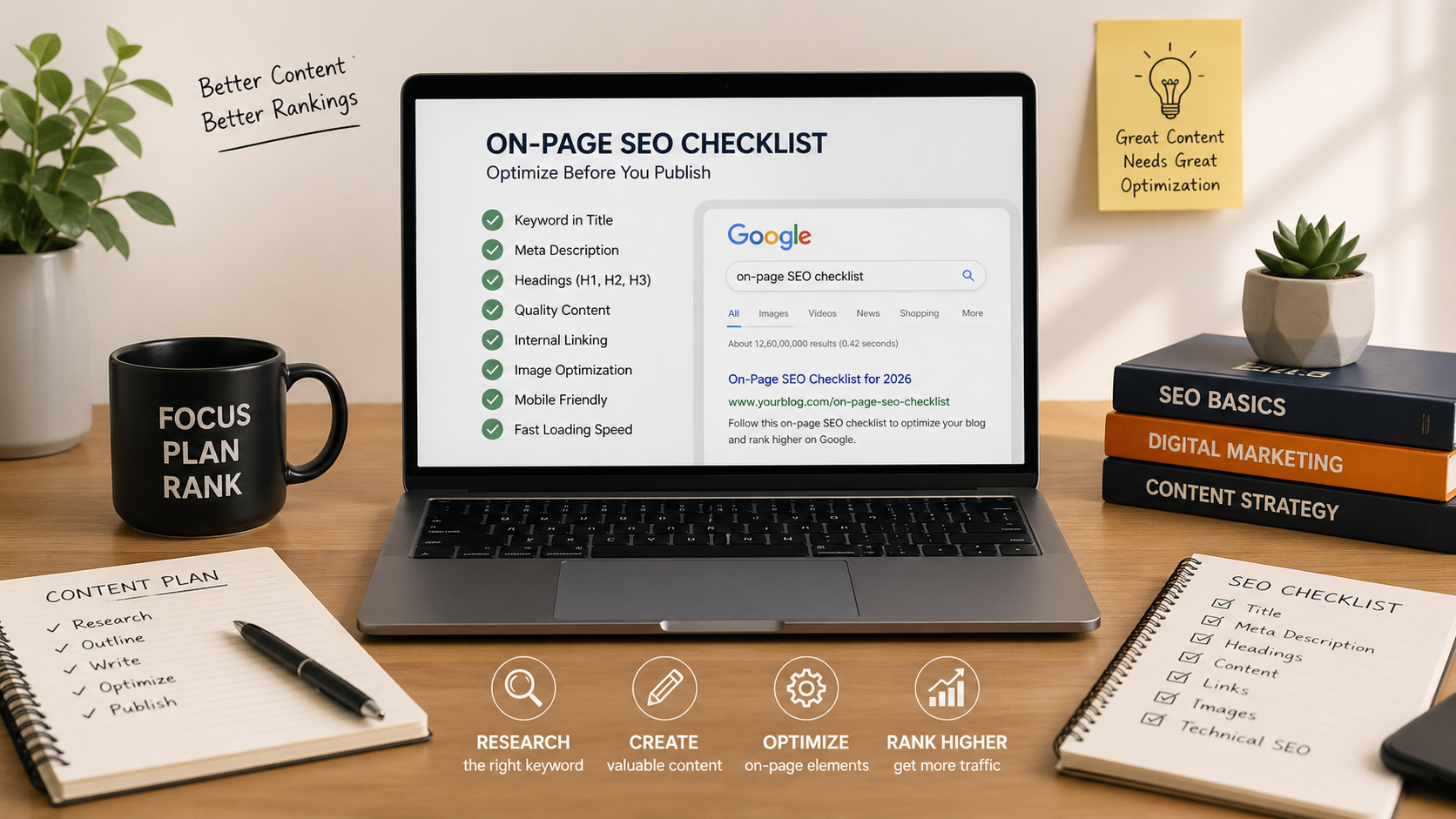
On-Page SEO Checklist for 2026: 25 Things to Do Before You Hit Publish
Why Good Content Doesn’t Rank
You did everything right.
You researched your topic.
You wrote a blog.
You even added headings and images.
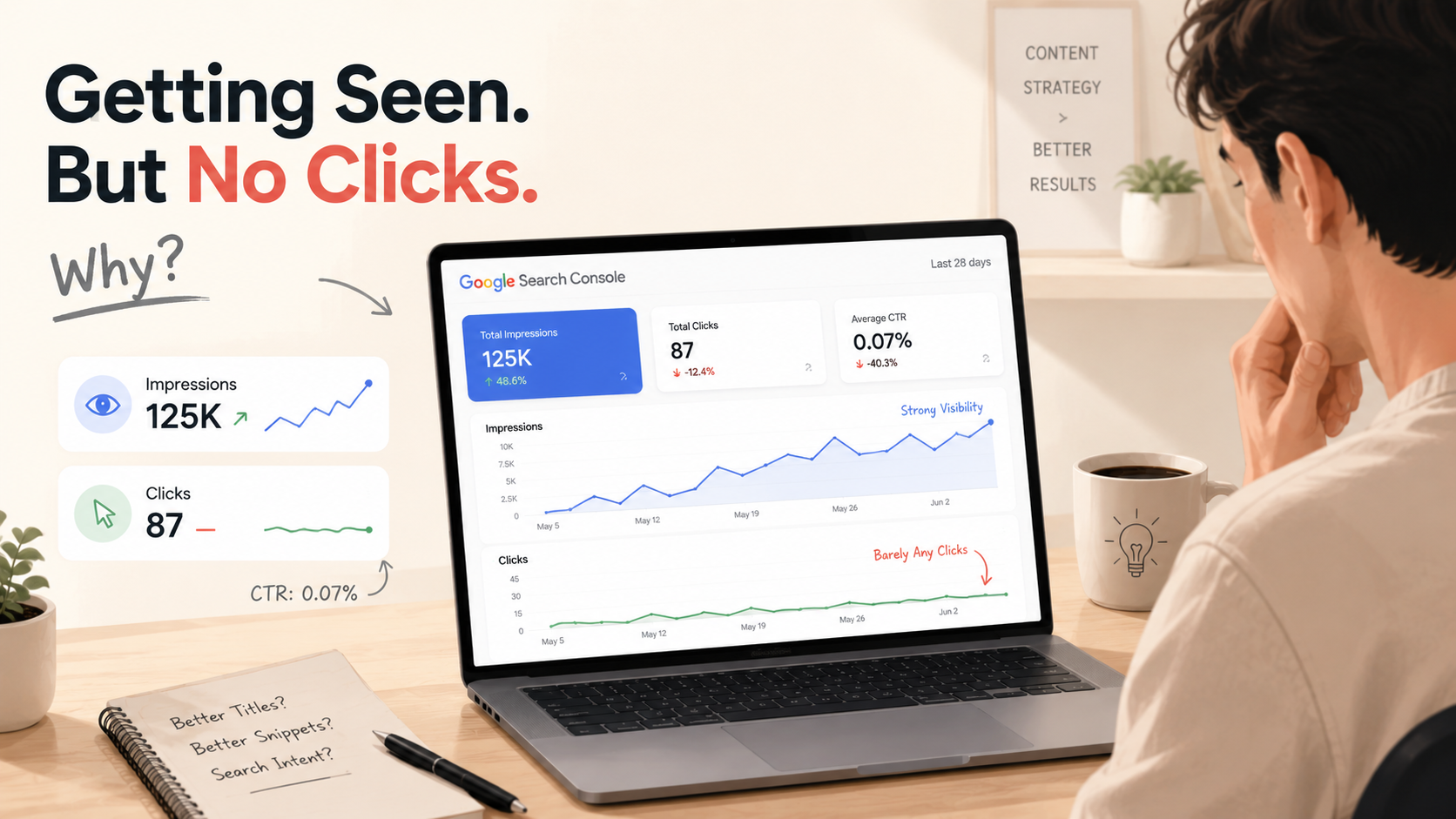
Then you hit publish… nothing happened.
No traffic. No rankings.
Here’s the truth most beginners miss:
Good content alone is not enough.
Google doesn’t just rank content it ranks well-optimized content that clearly communicates value.
That missing piece?
On-page SEO.
What is On-Page SEO?
On-page SEO is the process of optimizing everything inside your blog post so both search engines and readers can understand it better.
This includes:
- Titles
- Headings
- Keywords
- Links
- Images
- Structure
Think of it like this:
If content is the message, on-page SEO is how clearly you deliver it.
If you want a deeper understanding, Google’s official guide explains it well:
https://developers.google.com/search/docs/fundamentals/seo-starter-guide
Why Most Blogs Still Don’t Rank
Many bloggers:
- Do keyword research
- Understand search intent
- But skip optimization.
Without proper on-page SEO:
- Google struggles to understand your content
- Your article looks unstructured
- Competitors outperform you even with similar content
Same effort. Different results.
The Complete On-Page SEO Checklist (2026 Edition)
Use this checklist before hitting publish every single time.

A. Content Optimization (Core SEO)
This is your foundation.
- Use your focus keyword in the first 100 words
- Keep keyword usage natural (don’t force it)
- Fully answer the topic (avoid thin content)
- Match search intent clearly
- Write short, readable paragraphs
If your content doesn’t satisfy the reader, nothing else will save it.
B. Title & Meta Optimization
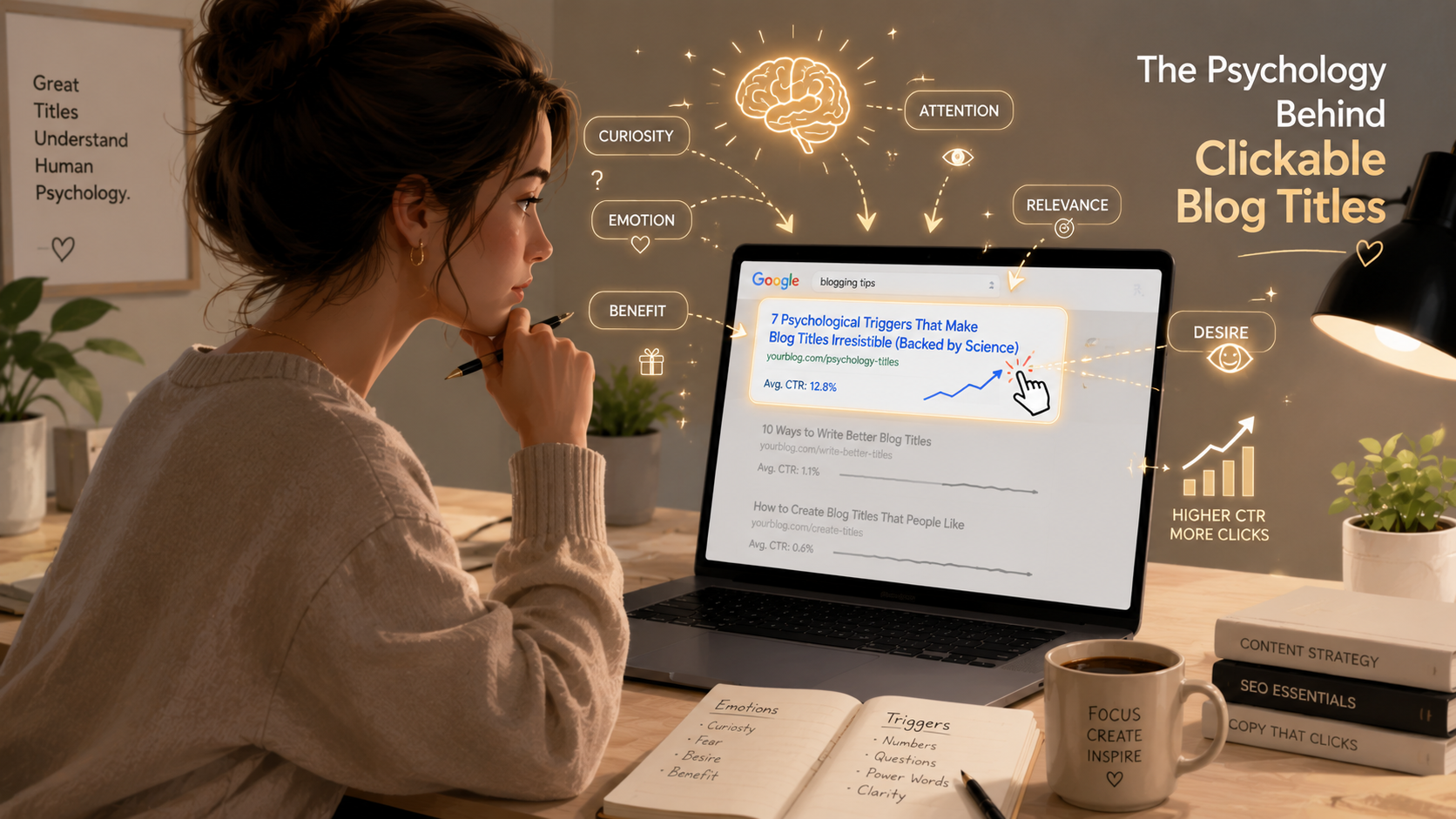
Your title is your first impression.
- Keep title under 60–70 characters
- Add the keyword naturally
- Write a meta description (120–160 characters)
- Focus on clarity, not clickbait
Preview your meta tags here:
https://www.heymeta.com/
C. Headings & Structure
Structure improves both readability and SEO.
- Use only one H1 (main title)
- Use H2 and H3 for sections
- Include keywords naturally in headings
- Make content easy to scan
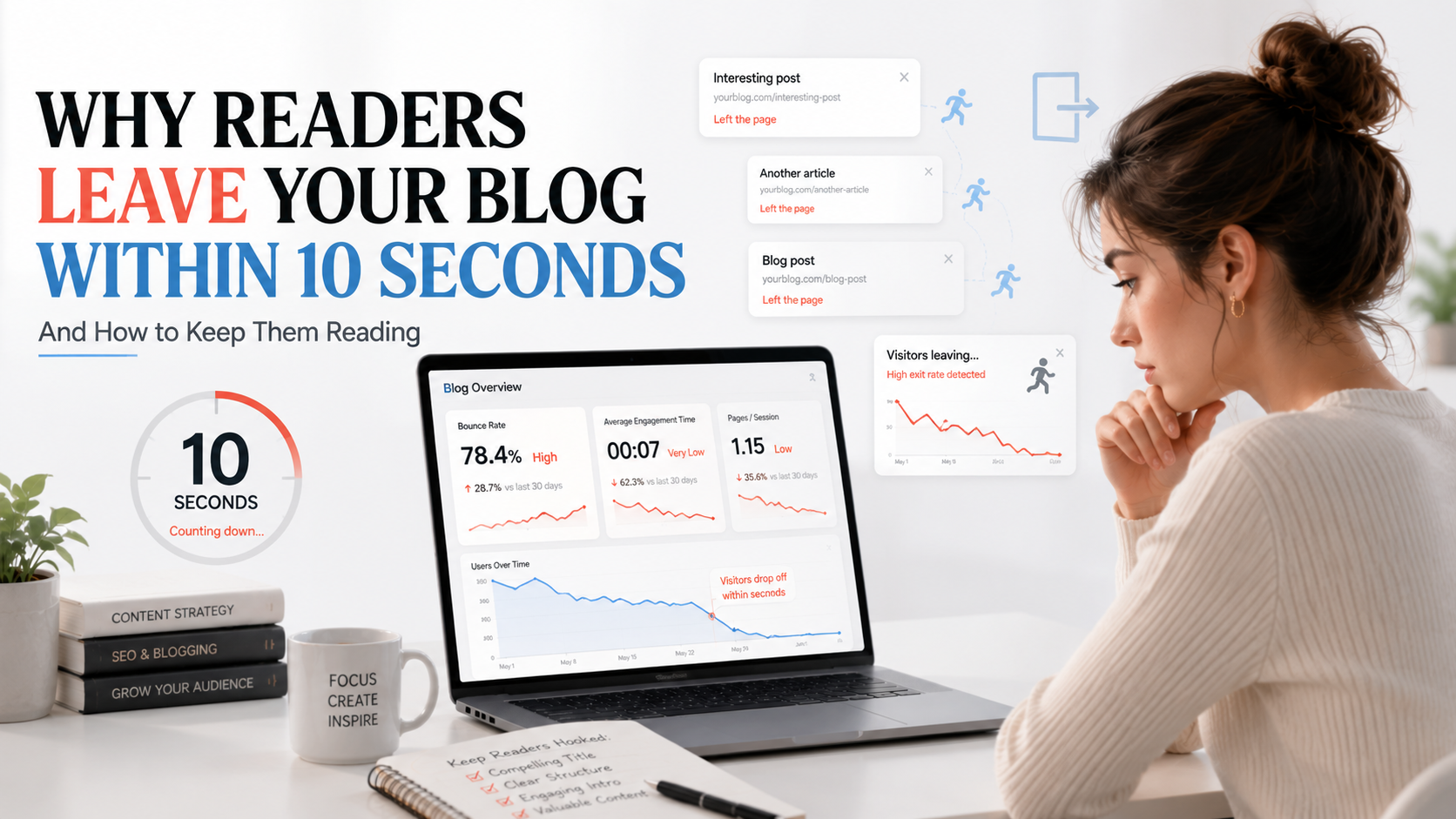
If someone can’t skim your article in 10 seconds, they won’t read it.
D. URL & Internal Linking
Simple but powerful.
- Keep your URL short and clean
- Include your keyword
- Add internal links to related blogs
- Avoid broken links
Example:
Bad: yourblog.com/post123?id=seo
Good: yourblog.com/on-page-seo-checklist
E. Images & Media
Visuals improve engagement and SEO.
- Add at least 1–2 relevant images
- Use keywords in ALT text
- Use a 16:9 featured image
- Compress images for faster loading
Free tool:
https://tinypng.com/
F. Technical Basics (Beginner-Friendly)
You don’t need to be technical just follow the basics.
- Ensure your site is mobile-friendly
- Improve loading speed
- Avoid keyword stuffing
- Maintain clean formatting
Test your site speed here:
https://pagespeed.web.dev/
Real-Life Example: Before vs After
Let’s take a simple case.
Before Optimization
- No headings
- No keyword placement
- Long paragraphs
- No internal links
Result: No rankings
After Optimization
- Keyword in title and introduction
- Structured H2/H3 headings
- Internal linking added
- Short paragraphs
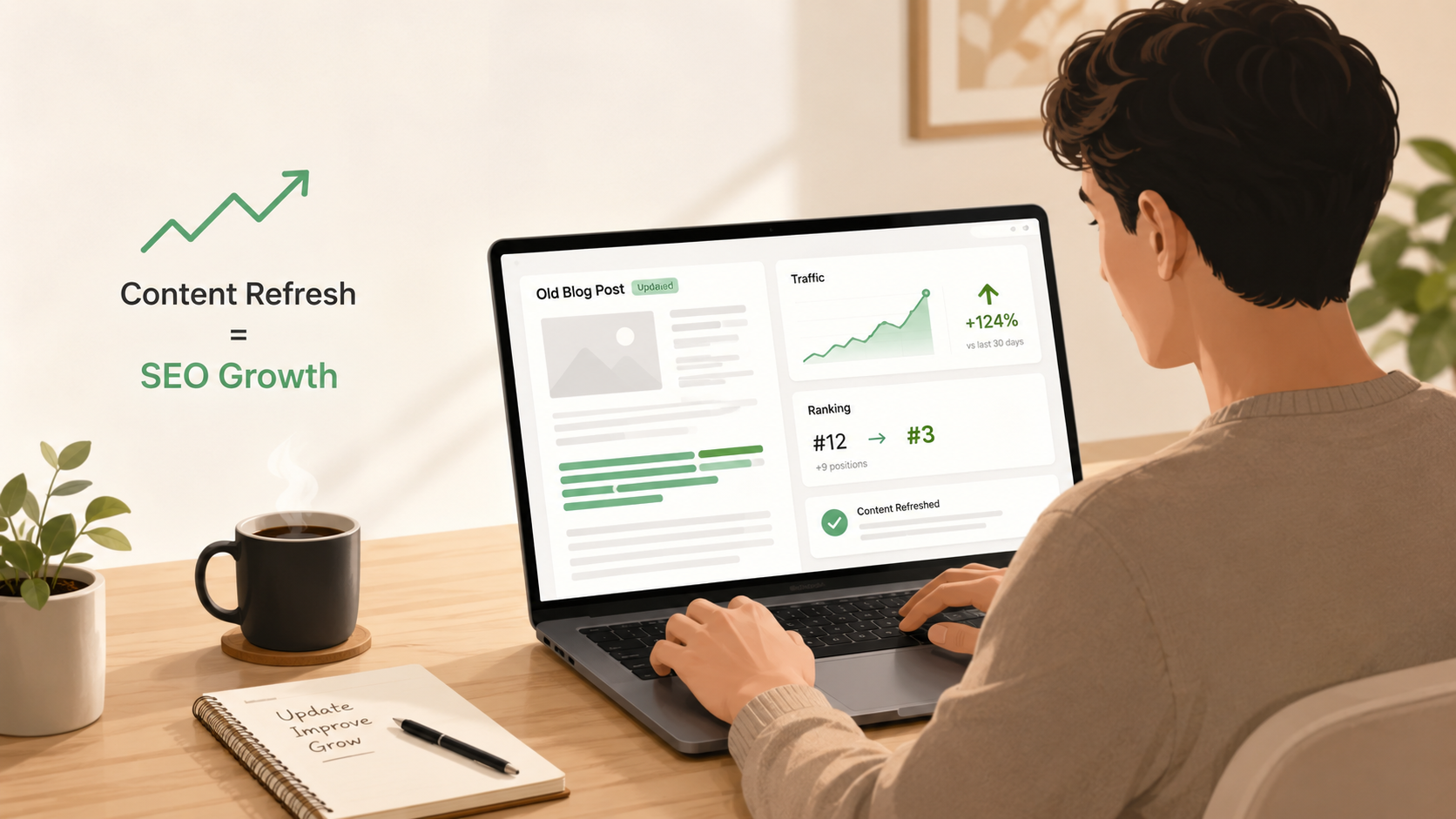
Result: Better rankings over time
Same content. Different execution.

Common On-Page SEO Mistakes
Avoid these if you want results:
- Keyword stuffing
- Ignoring meta descriptions
- Writing long, messy paragraphs
- No internal linking
- Poor structure
These mistakes silently kill your rankings.
Search Intent + On-Page SEO = Real Results
You already know:
- Keyword research = what people search
- Search intent = why they search
Now add:
On-page SEO = how well you present the answer
Together, they form a complete SEO system.
You can explore keyword tools here:
- Google Keyword Planner:
https://ads.google.com/home/tools/keyword-planner/ - Google Search Console:
https://search.google.com/search-console/about - AnswerThePublic:
https://answerthepublic.com/ - Ubersuggest:
https://neilpatel.com/ubersuggest/
Quick Recap Checklist
Before publishing, check this:
- Keyword in title
- Keyword in introduction
- Meta description added
- Headings properly structured
- Internal links added
- Images optimized
- Content matches search intent
Takes 5 minutes. Makes a huge difference.
Final Thoughts
SEO is not just about writing.
It’s about presenting your content in a way that both users and search engines understand instantly.
Good content gets noticed.
Optimized content gets ranked.
Before you publish your next blog, ask yourself:
“Is this content easy to understand, scan, and trust?”
If yes you’re on the right track.
Frequently Asked Questions
What is on-page SEO?
On-page SEO is optimizing elements within your webpage like content, headings, and keywords to improve rankings.
How important is on-page SEO?
It’s essential. Without it, even good content may fail to rank.
How long does SEO take to work?
Typically 3–6 months, depending on competition and consistency.
Can I rank without backlinks?
Yes especially with low-competition keywords and strong on-page SEO.
🚀 Final Line
Before you hit publish next time run this checklist once.
It might be the difference between page 7 and page 1.