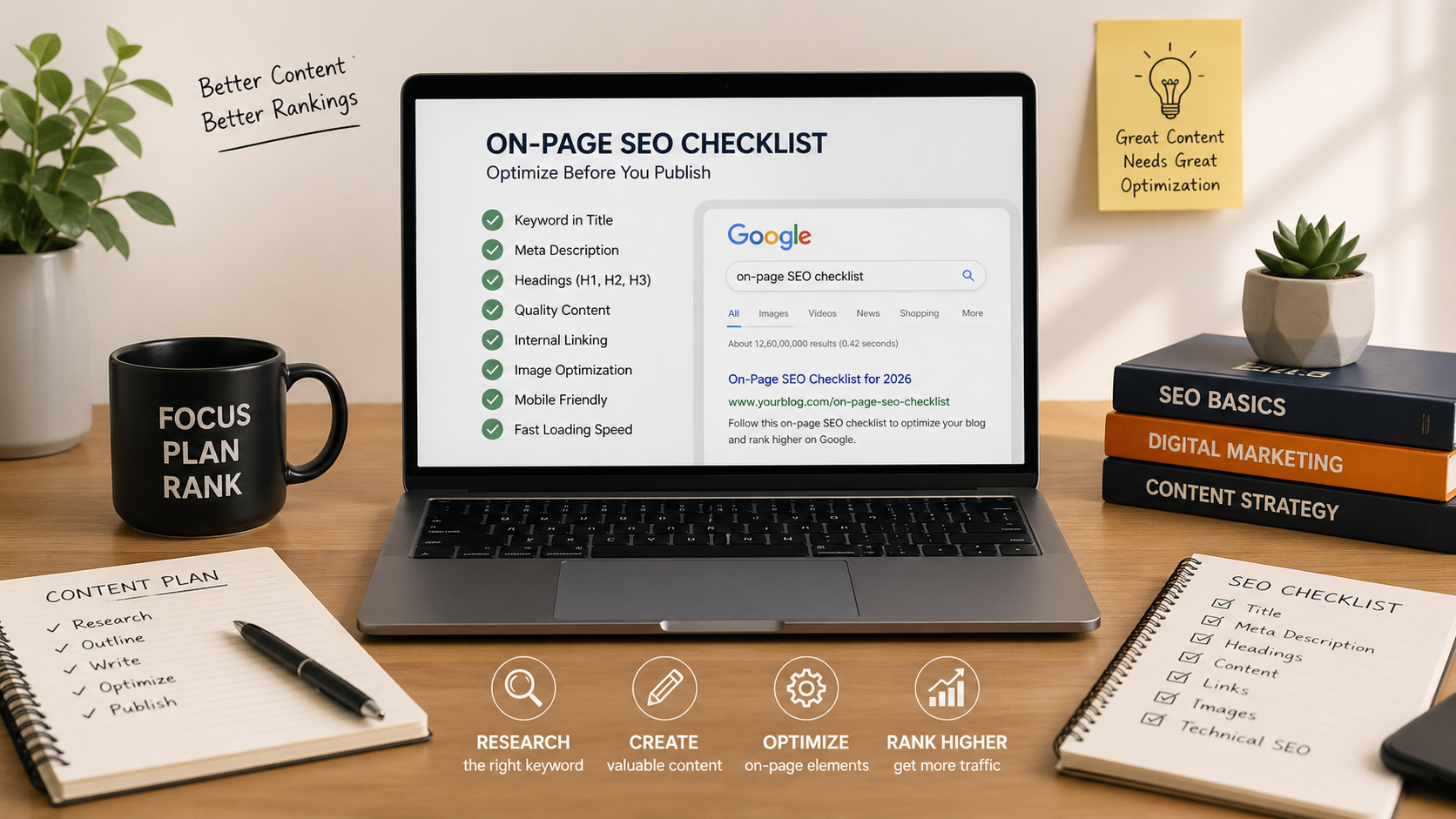
On-Page SEO Checklist: 25 Things to Do Before You Publish
You spent hours writing the blog post.
You researched the topic.
You found the right keywords.
You added images.
You even ran it through an SEO plugin that gave you a reassuring green score.
Then you hit publish.
A few weeks pass.
Nothing.
No rankings.
No traffic.
No signs that Google even cares your article exists.
At this point, most bloggers assume the content wasn't good enough.
Sometimes that's true.
But often, the real problem is much simpler.
You published the content before optimizing it.
That's where a proper on-page SEO checklist comes in.
Think of on-page SEO as the final quality-control step before your article goes live. It helps search engines understand your content, helps readers navigate it more easily, and gives your post the best possible chance of ranking.
Without it, even good content can struggle.
With it, average content often performs better than you'd expect.
Let's walk through the 25 checks that should happen before every blog post goes live.
What Is On-Page SEO?
On-page SEO refers to all the optimizations you make directly within a webpage to improve its visibility in search engines.
This includes:
- Titles
- Headings
- Keywords
- Internal links
- Images
- Meta descriptions
- URL structure
- Content formatting
In simple terms, content is what you're saying.
On-page SEO is how clearly you're saying it.
If search engines can't easily understand your content, they're less likely to rank it.
If readers find it difficult to read, they're less likely to stay.
Good on-page SEO solves both problems at the same time.
For a deeper understanding of SEO fundamentals, Google's SEO Starter Guide is a useful resource:
https://developers.google.com/search/docs/fundamentals/seo-starter-guide
Why Good Content Doesn't Automatically Rank
One of the biggest misconceptions in blogging is that quality alone guarantees rankings.
It doesn't.
Imagine two bloggers writing about the same topic.
Both write 1,500-word articles.
Both target the same keyword.
Both provide useful information.
But Blogger A:
- Uses proper heading structure
- Optimizes images
- Adds internal links
- Writes a compelling meta description
- Matches search intent clearly
Blogger B:
- Publishes immediately after writing
- Ignores formatting
- Uses no internal links
- Doesn't optimize images
Six months later, Blogger A is receiving steady organic traffic.
Blogger B is wondering why nothing happened.
The difference wasn't writing ability.
The difference was execution.
https://climaxcreators.com/posts/why-your-blog-is-not-ranking-on-google-and-how-to-fix-it
The Complete On-Page SEO Checklist for 2026

Use this checklist before publishing every article.
Not every item will dramatically improve rankings on its own.
But together, they create a strong foundation that search engines and readers both appreciate.
A. Content Optimization (Checks 1–5)
1. Use Your Focus Keyword in the First 100 Words
This immediately helps search engines understand what your page is about.
It also reassures readers that they've landed in the right place.
2. Keep Keyword Usage Natural
Avoid forcing your keyword into every paragraph.
Write for humans first.
Optimization should feel invisible.
3. Fully Answer the Search Query
Ask yourself:
"What is the reader hoping to learn when they search this keyword?"
Then answer it completely.
4. Match Search Intent
A beginner searching "what is SEO" wants an explanation.
Someone searching "best SEO tools" wants recommendations.
Different searches require different content.
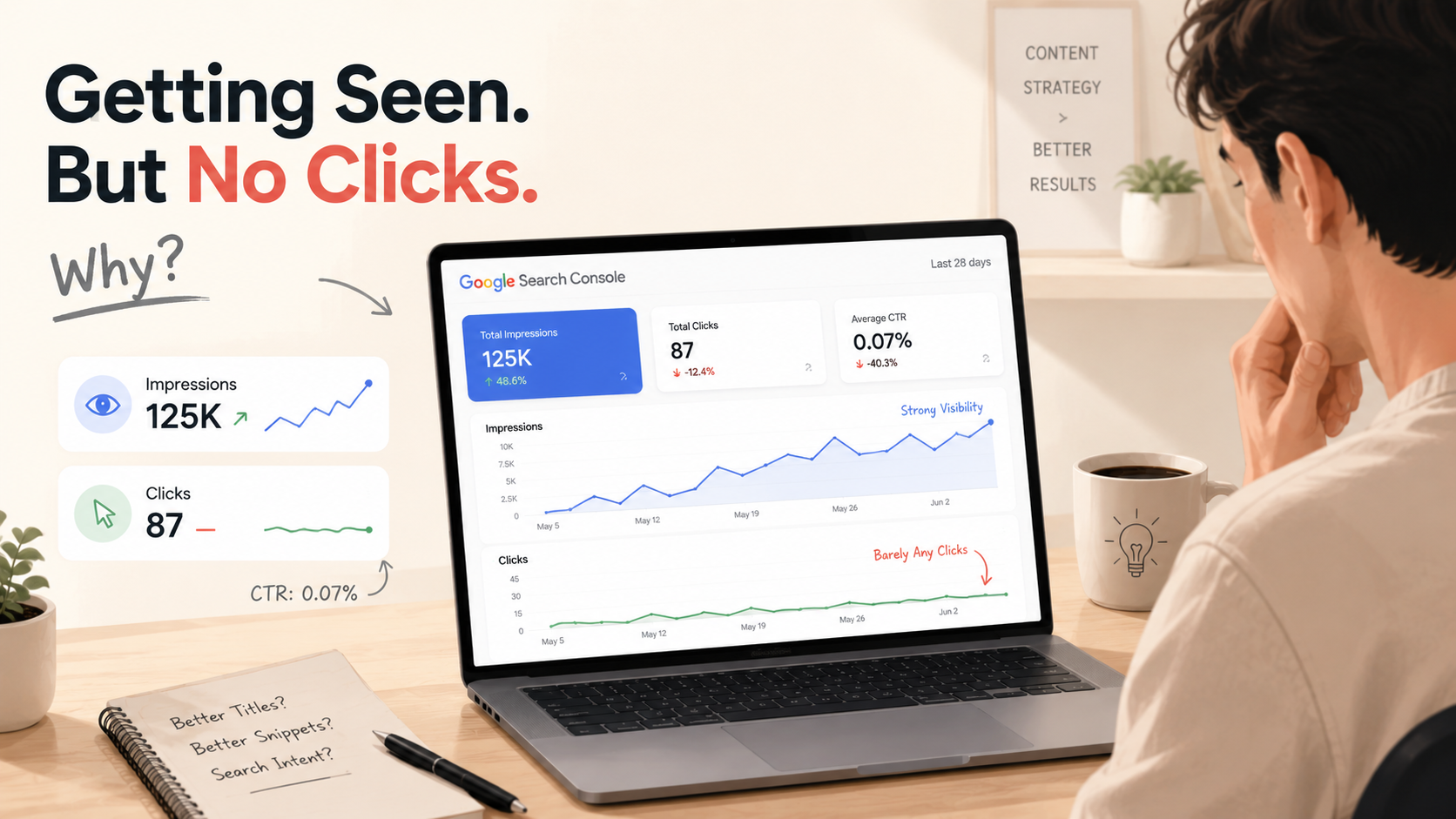
https://climaxcreators.com/posts/why-your-blog-posts-get-impressions-but-no-clicks-in-seo
5. Remove Fluff
Readers appreciate clarity.
If a paragraph doesn't add value, remove it.
B. Title & Meta Optimization (Checks 6–9)
6. Keep Titles Between 50–70 Characters
Long titles often get cut off in search results.
Shorter titles are easier to scan.
7. Include the Keyword Naturally
Don't force it.
Just make sure it fits naturally into the title.
8. Write a Compelling Meta Description
Aim for:
- 120–160 characters
- Clear benefit
- Natural language
Think of it as a mini-advertisement for your content.
9. Preview Your Meta Tags
Before publishing, check how your title and description appear in search results.
Tool:
C. Headings & Structure (Checks 10–14)
10. Use Only One H1
Your page should have one primary title.
Everything else should fall underneath it.
11. Use H2s and H3s Logically
Think of headings as a roadmap.
They help both readers and search engines understand the structure of your content.
12. Include Keywords Naturally in Headings
Not every heading needs a keyword.
But strategic placement can help reinforce relevance.
13. Keep Paragraphs Short
Large blocks of text create friction.
Most online readers prefer short, scannable sections.
14. Make Content Easy to Skim
Most visitors scan before they read.
Use:
- Bullet points
- Lists
- Subheadings
- White space
D. URL & Internal Linking (Checks 15–18)
15. Keep URLs Short
Example:
Bad:
yourblog.com/post?id=123seoarticle
Good:
yourblog.com/on-page-seo-checklist
16. Include Your Primary Keyword
Short, descriptive URLs tend to perform better.
17. Add Internal Links
Every article should connect readers to related content.
Internal links help:
- Improve navigation
- Distribute authority
- Increase engagement
https://climaxcreators.com/posts/internal-linking-in-seo-a-simple-guide-for-bloggers
18. Check for Broken Links
Broken links create a poor user experience.
Always test them before publishing.
E. Images & Media (Checks 19–22)
19. Add Relevant Images
Visuals improve engagement and break up text.
20. Optimize ALT Text
Describe the image accurately.
Don't stuff keywords.
21. Compress Images
Large images slow down your website.
Tool:
22. Use a Proper Featured Image
A 16:9 image works well for most blogs and social previews.
F. Technical Basics (Checks 23–25)
23. Check Mobile Friendliness
More than half of web traffic comes from mobile devices.
Always preview your article on your phone before publishing.
24. Improve Loading Speed
Slow websites lose readers quickly.
Check your performance here:
25. Avoid Keyword Stuffing
Modern SEO rewards relevance and clarity.
Not repetition.
If your content sounds unnatural, you've probably over-optimized it.

The 5-Minute Pre-Publish SEO Routine
Before you hit publish, ask yourself:
- Is the keyword in the title?
- Is the keyword in the introduction?
- Does the content match search intent?
- Are headings structured properly?
- Have I added internal links?
- Are images optimized?
- Is the meta description written?
- Is the article easy to scan?
Five minutes here can save months of wondering why a post isn't ranking.
Common On-Page SEO Mistakes
Even experienced bloggers make these mistakes:
- Keyword stuffing
- Missing meta descriptions
- Poor heading structure
- No internal linking
- Slow-loading images
- Long paragraphs
- Ignoring mobile users
- Publishing without proofreading
Most ranking problems aren't caused by one major issue.
They're caused by dozens of small issues stacking together.
Search Intent + Content + On-Page SEO
Think of SEO like a three-part system:
Keyword Research = What people search for
Search Intent = Why they search
On-Page SEO = How clearly you provide the answer
Miss one piece, and the system weakens.
Get all three right, and your content has a much better chance of competing.
Useful tools:
Google Search Console:
https://search.google.com/search-console/about
Google Keyword Planner:
https://ads.google.com/home/tools/keyword-planner/
AnswerThePublic:
https://answerthepublic.com/
Ubersuggest:
https://neilpatel.com/ubersuggest/
Quick Recap
Before publishing, make sure you've:
✅ Added the keyword naturally
✅ Written a strong title
✅ Created a meta description
✅ Structured headings properly
✅ Added internal links
✅ Optimized images
✅ Matched search intent
✅ Checked mobile usability
It takes a few minutes.
But those few minutes often separate page-one content from content nobody sees.
Final Thoughts
Most bloggers focus entirely on writing.
The best bloggers focus on publishing.
There's a difference.
Writing creates content.
Optimization prepares that content to compete.
Before you hit publish next time, run through this checklist.
Because good content deserves more than being buried on page seven of Google.
It deserves the best chance possible to be found.
Frequently Asked Questions
What is on-page SEO?
On-page SEO is the process of optimizing elements within a webpage such as content, headings, keywords, links, and images to improve search engine visibility.
How important is on-page SEO?
It's essential. Even excellent content can struggle to rank without proper optimization.
How long does SEO take to work?
Most SEO efforts take between 3-6 months to show meaningful results, though timelines vary depending on competition and authority.
Can I rank without backlinks?
Yes. Many low-competition keywords can rank with strong content and excellent on-page SEO alone.
Is on-page SEO enough?
On-page SEO is the foundation. Long-term growth also depends on content quality, topical authority, user experience, and backlinks.
Related Reading
- https://climaxcreators.com/posts/why-your-blog-posts-get-impressions-but-no-clicks-in-seo
- https://climaxcreators.com/posts/updating-old-blog-posts-the-seo-strategy-most-ignore
- https://climaxcreators.com/posts/a-beginners-guide-to-finding-low-competition-keywords