
best travel apps for frequent travelers | most useful travel apps | best apps for international travel
Frequent travelers don't use thirty apps. They use eight, maybe ten, and the rest get deleted before the next trip.
Every "best travel apps" list you'll find online includes things like a currency converter, a maps app, a booking platform. Fine. But most of those lists were written by people repeating other lists, or by people with affiliate links attached to every recommendation. The result is that genuinely useful apps get buried next to ones that sound good in a roundup and do very little in practice.
I've been traveling frequently for three years. Solo trips mostly, short and long, across Europe, Southeast Asia, and Latin America. I've downloaded around sixty travel apps in that time and kept eight.
This is the honest version of that list. The best travel apps for frequent travelers are the ones that solve a real problem in a real situation, not a hypothetical one. Every app here has been opened on an actual trip, in an actual moment where it made a difference.
The ones that didn't make it are at the bottom, with a reason.
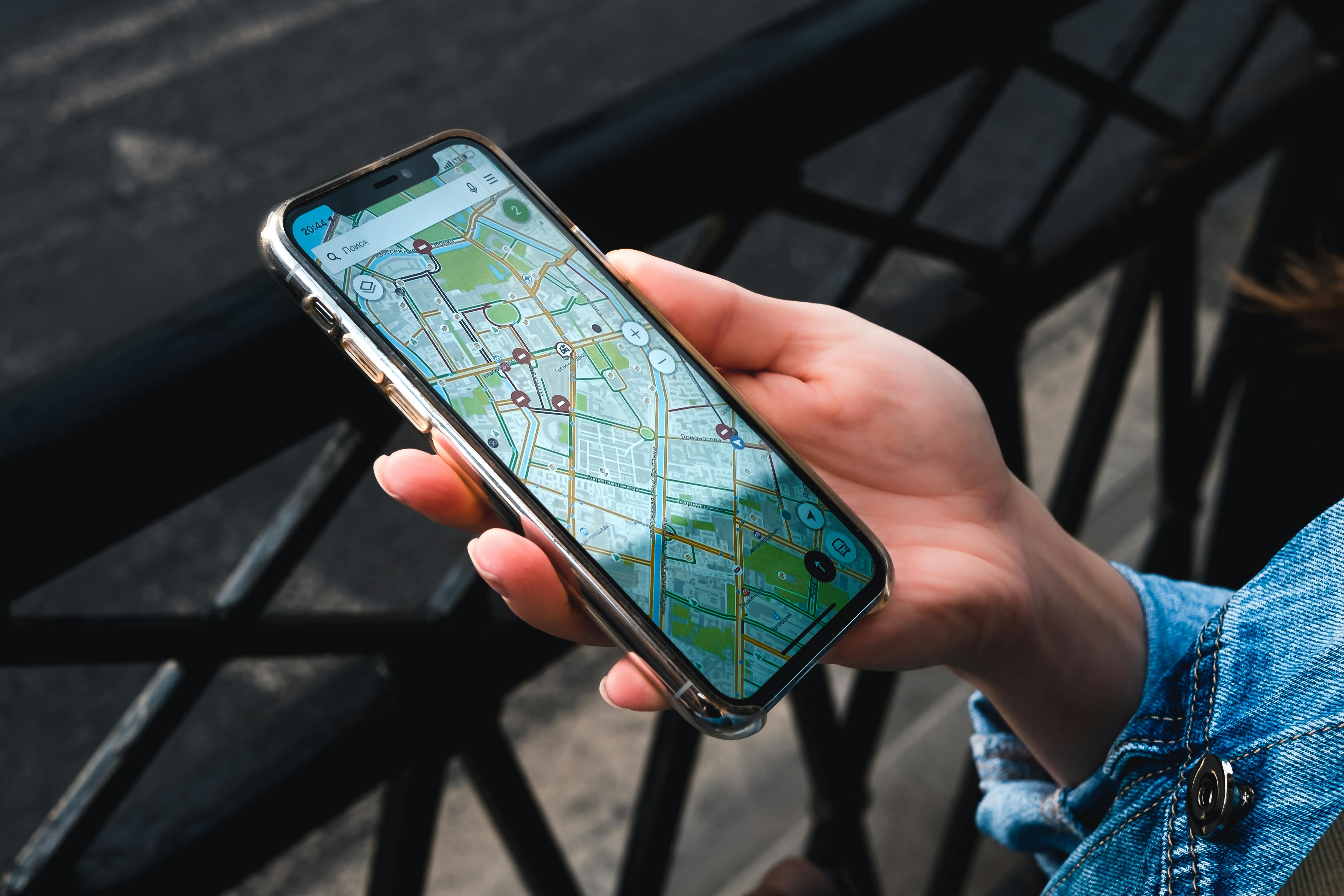
1. Google Maps, The Offline Maps Travel App That Goes Everywhere
Most people use Google Maps wrong when they travel. They open it abroad, watch it spin, burn through roaming data, and wonder why it won't load on a side street in Hanoi.
The fix is offline maps, and it's free.
Before every trip, download the map of wherever you're going. The whole city or region, saved directly to your phone. No wifi needed. No data needed. Full navigation, search, and directions, all working without a connection.
How to do it:
- Open Google Maps
- Search the city or region you want
- Tap the three dots in the top right corner
- Select "Download offline map"
- Do it on wifi before you leave
I've used offline Google Maps in rural Southeast Asia with no signal, in the Portuguese countryside, on trains through rural Japan. It works every time. It costs nothing. It should be the first thing anyone does before a trip, and most people still don't know it exists.
The second feature worth using: saved lists.
Before each trip I create a city-specific list, saved restaurants, viewpoints, neighborhoods I want to walk through. When I'm on the ground and wondering what to do next, I open the list. Thirty seconds of planning before the trip, a lot less directionless wandering once I'm there.
Between the offline maps and the saved lists, Google Maps does more useful work per trip than any other app on this list.
2. Flightradar24, The Flight Tracking App That Actually Tells You What's Happening
Airlines are bad at communicating delays. The board says delayed, no reason given. The airline app says nothing useful. Gate staff either don't know yet or aren't saying.
Flightradar24 fills that gap.
The app shows you where your incoming aircraft currently is, its altitude, its speed, and when it's likely to land. From that information alone you can estimate how long your delay is going to be, which is exactly what the airline isn't telling you.
Here's how it played out in Lisbon. Flight listed as delayed, no time estimate given. I opened Flightradar24 and saw the aircraft was still on the ground in London. That told me the delay was at least two hours, probably more. I left the gate, had a proper sit-down meal, came back when it made sense to.
Without the app I'd have sat at the gate for two hours waiting for an update that wasn't coming.
A few things worth knowing:
- Search your flight number directly in the app
- The aircraft details screen shows current position and estimated arrival
- Historical flight data helps if you want to check how often a route runs late
- The free version covers everything most travelers need
There's a paid tier. I've never felt the need for it. The free version has done everything I've asked of it across three years of frequent travel.
For any trip involving a connection or a tight schedule, this is the app that gives you real information when the people at the gate won't.
3. Wise, The Currency Converter App With an Actual Bank Account Behind It
Most currency converter apps show you a number. Wise does something with that number.
Wise is primarily a money transfer and international payments app, but for frequent travelers the most relevant feature is the Wise card. A debit card that converts currency at the real mid-market exchange rate, low fees, accepted almost everywhere, usable at ATMs globally.
Here's why it matters over time.
Every time a regular bank card gets used abroad, there's a foreign transaction fee and usually an exchange rate that's worse than the real one. Small amounts individually. Across multiple trips they add up to real money, the kind you notice when you look back at your statements.
With Wise:
- Multiple currencies held in one account
- Convert between them at the real exchange rate
- Spend abroad without the standard bank fees
- Withdraw cash from ATMs internationally with low fees
- Use the in-app currency converter with real-time rates
The currency converter inside the app is also useful as a standalone tool even without the card. Real-time rates, clean interface, works once it's loaded the rates even without a live connection.
The card itself takes a few days to arrive so it needs ordering before the trip. That's the only friction. Once it's in your wallet it just works, quietly, in the background, saving small amounts every time you use it.
For anyone traveling frequently across different currencies, Wise is the most practical financial tool on this list. The cumulative saving over a year of regular travel is significant enough to be worth the five minutes it takes to set up.
4. Google Translate, The Travel Safety App Nobody Thinks of as a Safety App
Google Translate is on every travel app list. Usually for the obvious reasons. This section is about the feature most travelers aren't using.
The camera translation.
Point your phone camera at any text and Google Translate overlays a live translation directly on top of it, in your chosen language, in real time. No typing. No taking a photo and waiting. It just replaces the text in front of you as you hold the phone up.
Situations where this has been genuinely useful:
- Menus in Vietnam with no English anywhere on them
- Pharmacy packaging in Japan when I needed to check a dosage
- Rental agreement documents in Portugal
- Train schedule boards in Morocco
Every time it worked well enough to give me the information I needed. Not perfectly. Well enough.
The offline download is the part that makes it reliable rather than just convenient.
Download the language pack for wherever you're going before you leave, the same way you'd download offline maps. The camera translation works without a data connection. In rural areas, in places with no signal, in exactly the moments when translation help matters most, it still functions.
The reason I listed this under travel safety apps is straightforward.
Knowing what a sign says, what a form is asking, what a pharmacist has written on a label, isn't always just convenient. Sometimes it's genuinely important. The app makes it possible to navigate situations that can't be anticipated before the trip.
Before any international trip:
- Open Google Translate
- Tap the download icon next to the destination language
- Download it on wifi before you leave
- Camera mode works offline from that point forward
One of the most useful apps on this list, and consistently underused because most people only know about the text input.
5. Hostelworld, The Accommodation Booking App That Actually Works for Solo Travelers
Booking.com, Airbnb, Hotels.com. They all work. They all have their uses. This isn't about replacing them.
Hostelworld earns a separate mention because of what it does specifically for solo travelers that the others don't.
The reviews are written by solo travelers, for solo travelers.
On most booking platforms the reviews tell you whether the hotel was clean and whether the breakfast was good. On Hostelworld the reviews tell you whether it's easy to meet people, whether the staff are genuinely helpful or just polite, whether the wifi in the dorm is actually usable or just functional in the lobby, whether the lockers are big enough for a backpack.
Those are the things that matter when you're traveling alone. They're almost never in a standard hotel review.
The filtering is also more useful for solo travel than any other platform:
- Female-only dorms
- Lockers with power points
- Communal kitchen access
- Organised social events
- Age-specific hostels for older solo travelers
Filtering for those takes thirty seconds and means the shortlist actually reflects what matters for the specific trip rather than just the star rating and price.
Across three years of frequent solo travel I've booked around forty hostels through Hostelworld. The reviews have been consistently reliable. The app has never failed to process a booking. No other accommodation booking app comes close for this specific use case.
For solo travelers, this is the one.
6. TripIt, The Travel Planning App That Holds Everything Together
TripIt does one thing. It does it well enough that I've used it on every trip for two years.
Forward your booking confirmation @tripit.com and it automatically builds an itinerary. Flight confirmation, hotel confirmation, car rental, tour booking. All of it parsed and organised chronologically into a single document that works offline.
The moment where this earns its place: arriving somewhere at 11pm, tired, needing the confirmation number for the accommodation or the address of where you're going, not wanting to search through an inbox full of emails to find it.
TripIt has it. Organised. Offline. One place.
How the workflow looks in practice:
- Book a flight, forward the confirmation email to TripIt
- Book a hotel, forward that confirmation too
- Repeat for any tours, transfers, or car rentals
- Open the app at any point, online or off, and the full itinerary is there
The free version covers everything most travelers need. The pro version adds real-time flight alerts and a few additional features. I've used the free version for two years without finding a reason to upgrade.
One honest limitation worth knowing upfront.
TripIt works best when bookings come with confirmation emails. If you're booking things on the ground in cash, which is common across Southeast Asia and parts of Latin America, it's less useful. For that kind of travel a notes app does the job better.
For anyone booking ahead and moving between multiple destinations, TripIt is the tidiest travel planning app available. The time it saves at 11pm in an unfamiliar city is worth the thirty seconds it takes to forward an email.
7. Maps.me, The Backup Offline Maps App Worth Having
The obvious question: if Google Maps works offline, why have a second offline maps app?
Two reasons.
First, coverage.
Google Maps offline doesn't always include walking paths, hiking trails, or the granular detail needed in rural or less-mapped areas. Maps.me is built on OpenStreetMap data, which is community-maintained and often significantly more detailed in places Google hasn't fully prioritised. Smaller towns, rural paths, areas off the standard tourist route tend to be better represented.
Second, having a backup matters.
In a rural part of Portugal, Google Maps showed a road that didn't exist. Maps.me showed a different path that did. Neither app is wrong all the time. Having both means having a second opinion in the moment when something looks off, which is exactly when a second opinion is useful.
When Maps.me earns its place:
- Hiking trails and walking paths in rural areas
- Smaller towns with limited Google Maps coverage
- Areas with no data connection where detail matters
- Any situation where the Google Maps route looks wrong
When it probably isn't necessary:
- City travel in major destinations
- Trips where Google Maps coverage is reliable throughout
- Short trips where storage space is limited
Maps.me is free. It takes up storage space. The decision of whether to download it comes down to where the trip is going. For anywhere urban and well-mapped it's probably unnecessary. For rural areas, less-traveled destinations, or any trip involving hiking or walking off the main roads, it earns its place on the phone without question.
8. Trail Wallet, The Budget Tracking App That Actually Changes Behavior
Most travelers have a rough sense of what they're spending. Trail Wallet makes it precise.
Precise is more useful than rough.
The app is simple to the point of being almost boring to describe. Set a daily budget. Log what you spend. See in real time where you are relative to that budget. That's the whole thing. No bank account syncing, no complex category system, no setup process. Open it, type a number, close it.
What it actually does is change decisions throughout the day.
Knowing you've spent forty euros by midday when your daily budget is fifty produces different afternoon choices than loosely guessing you've spent "about half." The number is visible. The gap is visible. The decision that follows is different.
How the daily workflow looks:
- Set a daily budget before the trip starts
- Log each purchase as it happens, takes five seconds
- Check the running total whenever a spending decision comes up
- Adjust the next day's behavior based on where the previous day landed
I started using Trail Wallet on a Portugal trip after coming in over budget on the two trips before it. That trip I came home under budget for the first time. One change, one app, one different outcome.
The connection between seeing the number and changing the behavior is more direct than expected. It's not about discipline. It's about information being visible at the right moment.
The app is paid, a small one-time fee. No subscription, no ongoing cost. For frequent travelers who want to actually control what they spend rather than estimate it after the fact, it's worth it.
The Apps That Didn't Make the List and Why
A few apps that come up regularly in travel app discussions, and why they didn't make this list.
TripAdvisor Useful for research before a trip. Less useful on the ground. The reviews have become less reliable as the platform has grown, and the incentives for businesses to game them have increased alongside it. Worth checking occasionally for a second opinion. Not essential.
Airbnb Genuinely good for longer stays where a kitchen and more space make sense. For short stays, a hostel or budget guesthouse usually offers better value and more social opportunity. Use-case dependent rather than universally useful.
PackPoint A packing list app. The idea sounds useful. In practice it's a list you make yourself with extra steps. A standard notes app does the same thing without the download.
XE Currency A solid currency converter app. But if Wise is already on the phone, the converter built into Wise is sufficient. No need for both.
Final Takeaway
The best travel apps for frequent travelers solve a specific problem in a real situation. That's the only filter that matters.
Here's the full list:
- Google Maps for offline navigation without data
- Flightradar24 for knowing what's actually happening with a delayed flight
- Wise for spending abroad without unnecessary fees
- Google Translate camera mode for any text that can't be read
- Hostelworld for solo traveler accommodation research
- TripIt for keeping all bookings in one offline document
- Maps.me as a backup for rural and less-mapped areas
- Trail Wallet for staying on budget in real time
Eight apps. All of them opened on actual trips. None of them recommended because they sounded good in a list.
Download what the specific trip needs. Delete what doesn't get used. Ignore any list that calls thirty apps essential.
Already have a travel app that belongs on this list? Drop it in the comments with a reason. I'm always looking for the one I haven't found yet.
If you're planning your very first trip abroad, this blog on What Are the Best Travel Hacks for First Time Travelers? will save you a surprising amount of stress, money, and unnecessary airport panic.
Frequently Asked Questions
What are the best travel apps for frequent travelers? Google Maps offline, Flightradar24, Wise, Google Translate, Hostelworld, TripIt, Maps.me, and Trail Wallet are the most consistently useful across different types of travel. Each solves a specific problem that comes up regularly.
What is the most useful travel app for international trips? Google Maps with offline maps downloaded is the single most universally useful app. Wise handles money across currencies without unnecessary fees. Google Translate camera mode handles language barriers in real time.
Is there a good app for tracking flights? Flightradar24 is the strongest option. It shows real-time aircraft positions, which makes it possible to estimate delays when airlines aren't communicating clearly.
What apps help with travel budgeting? Trail Wallet for daily budget tracking and Wise for managing currency conversion and international spending. Used together they give a clear picture of both planned and actual spending.
Are travel planning apps actually worth using? TripIt is the most genuinely useful travel planning app for frequent travelers. Forwarding booking confirmations builds an automatic offline itinerary that's reliable in low-connectivity situations.